

I was sitting at my workbench last weekend, mid-way through cleaning the rust off a vintage Stanley plane, when I realized I’d spent twenty minutes staring at my phone, locked out of my primary email because of a “security update.” It’s the same old cycle: you try to follow the advice on how to create a strong password, only to end up with a string of random characters that even you can’t remember. We’ve been sold this idea that security requires complexity that borders on the absurd, turning our digital lives into a constant, frustrating battle against our own login screens.
I’m not here to sell you on a fancy, subscription-based vault or a method that requires a PhD to execute. My goal is to show you how to build a low-friction system that actually sticks. I’m going to walk you through a pragmatic approach to security that prioritizes both strength and usability, stripping away the unnecessary mental load so you can get back to what matters without worrying about your digital front door being left wide open.
Table of Contents
Passphrase vs Password Stripping Away the Complexity
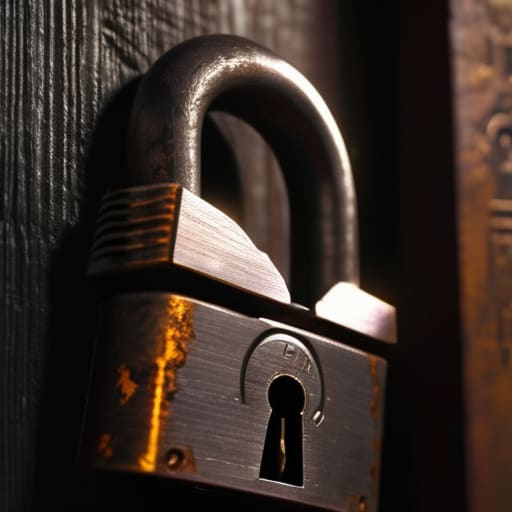
Most people get stuck in the trap of trying to satisfy arbitrary password complexity requirements that feel more like a headache than actual security. You know the drill: a capital letter, a number, a special character, and a prayer that you don’t forget it by Tuesday. This approach is fundamentally flawed because it forces you to create something nonsensical that’s actually easier for a machine to crack.
Instead, I want you to shift your mindset toward the passphrase vs password debate. A passphrase is just a string of random, unrelated words—think something like copper-willow-heavy-anchor. It’s much easier for your brain to visualize and remember, but because of its length, it’s incredibly effective at preventing brute force attacks. By moving away from short, complex gibberish and toward longer, meaningful sequences, you’re building a system that is both more secure and significantly lower friction for your daily life.
Preventing Brute Force Attacks With Real World Digital Identity Protection
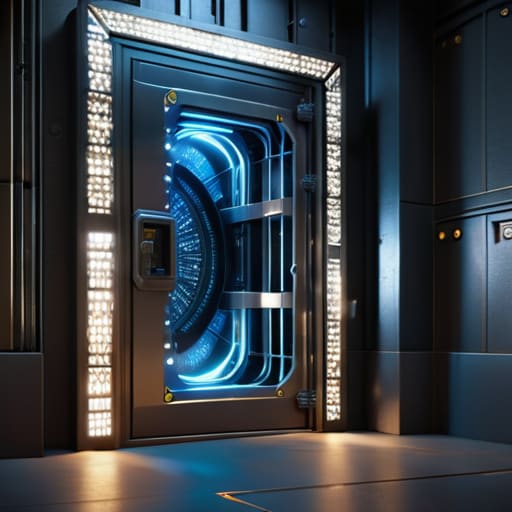
Even with a solid passphrase, you have to assume that eventually, a machine is going to start knocking on your digital door. This is where the concept of preventing brute force attacks moves from theory to practical necessity. A hacker isn’t sitting there typing away manually; they’re using automated scripts that can try millions of combinations per second. If your only line of defense is a string of characters, you’re essentially relying on a single lock on a door that’s designed to be kicked in.
To actually secure your digital identity, you need to add layers. This is where the multi-factor authentication benefits really come into play. By requiring a secondary check—like a physical security key or a prompt on your phone—you make the brute force approach useless. Even if they guess your passphrase, they still can’t get past that second gate. It’s not about making your life harder; it’s about building a system that actually works when things go wrong.
Three Low-Friction Rules for Digital Security
- Stop reusing the same password across different sites. It’s the digital equivalent of having one key that opens your house, your car, and your office; if you lose that one key, you lose everything. Use a dedicated password manager to handle the heavy lifting so you only have to remember one truly robust master key.
- Build your passwords around “memory anchors” rather than random strings. Instead of trying to memorize `Xj9!kL2#`, use a sequence of four unrelated, concrete words like `hammer-garden-maple-clock`. It’s easier for your brain to visualize, but it creates a massive amount of entropy that makes it a nightmare for brute-force software to crack.
- Turn on Multi-Factor Authentication (MFA) on every account that allows it. Think of it as a second deadbolt on your door. Even if someone manages to guess your password, they still can’t get in without that second piece of verification. It’s a small extra step in your routine that provides a massive increase in your overall system security.
The Bottom Line: Systems Over Complexity
Stop chasing the perfect string of random characters; prioritize long, memorable passphrases that provide high entropy without the mental friction.
Shift your focus from individual password strength to robust identity protection by using a dedicated manager and hardware keys to eliminate the single point of failure.
## The Philosophy of Digital Friction
“A strong password isn’t about memorizing a string of nonsense that feels like a chore; it’s about building a simple, reliable system that protects your time as much as your data.”
Gregory Scott Miller
Building a System That Sticks
At the end of the day, securing your digital life doesn’t require a degree in computer science or a collection of complex, unmemorable strings of gibberish. We’ve covered the essentials: ditch the short, high-complexity passwords in favor of long, meaningful passphrases that actually make sense to your brain. We’ve also looked at why a password manager and multi-factor authentication are non-negotiable components of a functional system. By moving away from manual memorization and toward automated, layered protection, you aren’t just making things harder for hackers; you’re making things easier for yourself.
My philosophy has always been that a system is only as good as its ability to be maintained without constant friction. If your security setup feels like a chore, you’ll eventually abandon it, and that’s when you’re most vulnerable. Don’t aim for perfection; aim for sustainable simplicity. Set up your tools, lock down your primary accounts, and then let the system run in the background. Once you strip away the chaos, you’ll find you have more mental bandwidth to focus on the things that actually matter.