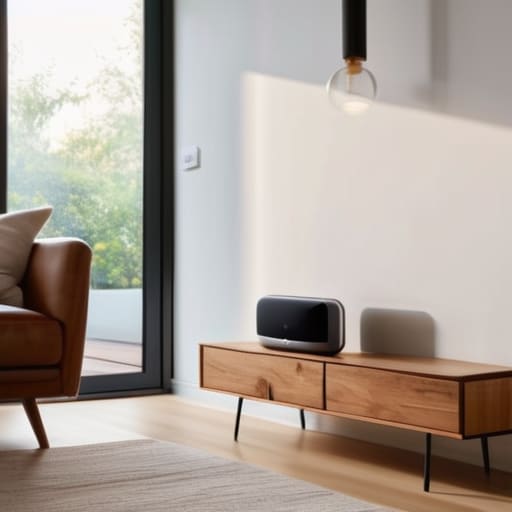

I spent three hours last Tuesday troubleshooting a “smart” lightbulb that refused to connect to my network, standing in my kitchen with a screwdriver in one hand and my phone in the other, feeling more like a frustrated IT tech than a homeowner. It was a perfect example of why most people fail when they try to figure out how to set up a smart home: they focus on the hardware instead of the underlying system. We’ve been sold this idea that a smarter home means more apps, more notifications, and more complexity, but in my experience, if a piece of technology adds more friction to your day than it removes, it’s not smart—it’s just expensive clutter.
In this guide, I’m going to show you how to approach your home with an engineering mindset to build a setup that actually serves you. I won’t be pushing any shiny new gadgets or complex, high-maintenance routines; instead, I’ll walk you through the practical fundamentals of connectivity, automation, and reliability. My goal is to help you strip away the digital noise so you can create an environment that works quietly in the background, giving you back your time and your mental space.
Table of Contents
Guide Overview
Tools & Supplies
- Smartphone and dedicated app for device management
- Wi-Fi Router with strong signal coverage
- Screwdriver set for mounting hardware
- Smart Hub or Voice Assistant (1 unit)
- Smart Bulbs or Plugs (3-5 units)
- Smart Security Camera (1 unit)
- Motion or Door Sensors (2 units)
Step-by-Step Instructions
- 1. Start by mapping your friction points. Before you even look at a product catalog, walk through your house with that notebook of mine and identify where your daily routine hits a snag. Do you always fumble for light switches when you walk in with groceries? Is the thermostat always a degree too high when you’re trying to sleep? Don’t buy tech to solve problems you don’t actually have; identify the specific inefficiencies in your current environment first.
- 2. Audit your existing infrastructure, specifically your Wi-Fi stability. A smart home is only as good as the network supporting it, and most standard ISP routers are absolute garbage once you add more than a handful of devices. If you’re planning on more than a few smart bulbs, invest in a high-quality mesh network system. You want seamless coverage in every corner of the house so your devices aren’t constantly dropping offline and causing more frustration than they solve.
- 3. Pick a single ecosystem and stick to it. This is where most people blow it—they buy a Google Nest, an Apple HomePod, and an Amazon Alexa device, and suddenly they have three different “brains” that don’t talk to each other. Choose one platform (Apple HomeKit, Google Home, or Alexa) and prioritize buying devices that are explicitly compatible with that ecosystem. This prevents the “app fatigue” that turns a helpful system into a digital chore.
- 4. Begin with “low-stakes” automation, like smart lighting and plugs. I always recommend starting with things that have a high impact but low complexity. Smart bulbs or plugs allow you to automate the mundane—setting lights to dim at 10 PM or ensuring the coffee maker is ready when you wake up—without rewiring your entire house. It’s about building small wins that prove the system works before you move on to more complex hardware.
- 5. Implement “set and forget” routines rather than manual controls. The whole point of a smart home is to remove yourself from the equation. If you find yourself constantly opening an app on your phone to turn something on, you haven’t built a system; you’ve just added another digital task to your day. Use sensors—like motion detectors or contact sensors on doors—to trigger actions automatically so the house responds to you without you having to ask.
- 6. Secure your perimeter with smart locks and cameras, but keep it functional. When it comes to security, don’t get lured into the trap of buying every single gadget on the market. Focus on the essentials: a reliable smart deadbolt and a few well-placed cameras. Ensure these devices have local storage options if possible, so you aren’t entirely dependent on a cloud server that could go down right when you need it most.
- 7. Periodically prune your system to maintain efficiency. Just like I maintain my woodworking tools, your smart home needs occasional upkeep. Every few months, look at your automations and ask yourself if they are actually saving you time or if they’ve become “ghost” processes that just clutter your interface. If a device isn’t serving a clear purpose, remove it. A lean, functional system is always better than a bloated, complicated one.
Prioritize Smart Home Ecosystem Compatibility Over Shiny New Toys
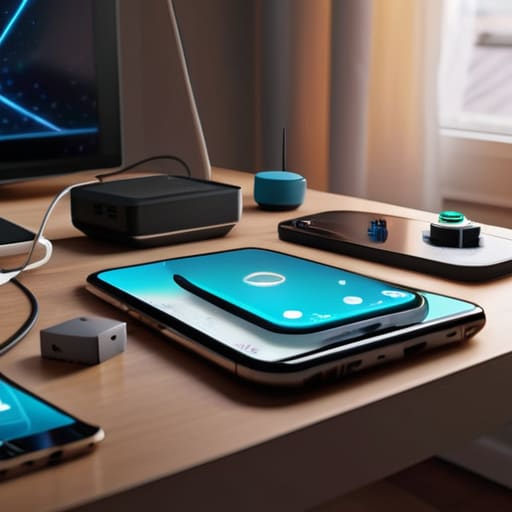
Here is where most people trip up. They see a clever new gadget on an ad and buy it immediately, only to realize two weeks later that it won’t talk to the rest of their gear. This is how you end up with a “smart home” that actually feels more like a collection of digital chores. Before you pull the trigger on anything, you need to nail down your smart home ecosystem compatibility. Whether you lean toward Apple, Google, or Amazon, stick to one primary “language.” If your devices can’t communicate through a single interface, you haven’t built a system; you’ve just added more clutter to your digital life.
Think of your setup like a well-organized workshop. You wouldn’t buy a high-end chisel if it didn’t fit your existing toolset, right? The same logic applies here. Instead of chasing every new release, focus on robust connectivity that ensures your devices work together seamlessly. If you’re looking into voice assistant integration, make sure every new light switch or thermostat you buy explicitly supports your chosen platform. It’s much better to have five devices that work perfectly in unison than twenty devices that require five different apps to manage.
Choosing the Best Smart Home Hubs 2024 for Zero Friction

When you’re looking at the best smart home hubs 2024 has to offer, don’t get blinded by the spec sheets. In my experience, the most important factor isn’t how many features a hub has, but how well it acts as the “brain” for everything else. You want a central point that manages your devices without requiring you to jump between five different apps just to dim the lights. I always tell my clients to look for a hub that prioritizes stable, local processing over cloud-dependent ones; if your internet goes down, your house shouldn’t stop working.
If you’re serious about reducing friction, pay close attention to voice assistant integration. Whether you lean toward Alexa, Google, or Apple, your hub needs to speak their language fluently. A hub that struggles with basic commands is just another piece of clutter in your life. My goal is always to build a system that feels invisible—where the tech works in the background so you can get back to your actual life.
Three Rules to Keep Your Smart Home from Becoming a Chore
- Map your friction points before you buy anything. Don’t just buy a smart light because it’s cool; buy it because you’re tired of fumbling for a switch in a dark hallway at 2 AM. If a device doesn’t solve a specific, recurring annoyance in your daily routine, it’s just more digital clutter you’ll eventually ignore.
- Prioritize reliable automation over remote control. A smart home shouldn’t require you to open an app on your phone every time you want to dim the lights—that’s just a complicated way of doing something simple. Aim for “set it and forget it” triggers, like motion sensors or scheduled routines, that happen in the background without your intervention.
- Build in a manual fallback for everything. I’ve seen too many people get locked out of their own lives because a Wi-Fi outage turned their front door into a paperweight. Always ensure your smart locks, lights, and thermostats can still be operated physically. A system that fails when the internet goes down isn’t a system; it’s a liability.
The Bottom Line
Stop chasing every new gadget that hits the market; build your system around a single, compatible ecosystem to prevent your home from becoming a digital headache.
Focus on solving actual friction points in your daily routine rather than adding tech for the sake of tech—if it doesn’t save you time or mental energy, you don’t need it.
The Core Philosophy
A smart home isn’t about how many devices you can connect to your Wi-Fi; it’s about how many manual tasks you can remove from your life without adding a new layer of complexity. If your technology requires more maintenance than it saves you time, you haven’t built a system—you’ve just built a new chore.
Gregory Scott Miller
Getting It Right
At the end of the day, building a smart home isn’t about having a house that talks to you; it’s about creating a space that anticipates your needs without requiring constant troubleshooting. We’ve covered the essentials: picking a compatible ecosystem, selecting a reliable hub, and resisting the urge to buy every new gadget that hits the market. Remember, the goal is to build a foundation of stability first. If your devices don’t play well together, you haven’t built a smart home—you’ve just built a digital headache. Stick to the systems that actually reduce friction in your daily routine.
As you start integrating these tools into your living space, I want you to keep one thing in mind: technology should always be the servant, never the master. If a new automation makes your life more complicated instead of simpler, scrap it. Your home is your sanctuary, a place meant for rest and connection, not a playground for complex software updates. Focus on the small, meaningful wins that give you back your time and mental energy. Build slowly, build purposefully, and let your environment finally start working for you.